Retail chain processes
Take a better look at your entire stocks and retail chain processes
Empower your warehouse team to handle multiple orders in an error-free environment. Designed for small and large businesses, the stocktaking app helps retailers to digitalise the inventory process and make it easier and accurate.

Stocktakings
Digitize your physical stocktakings
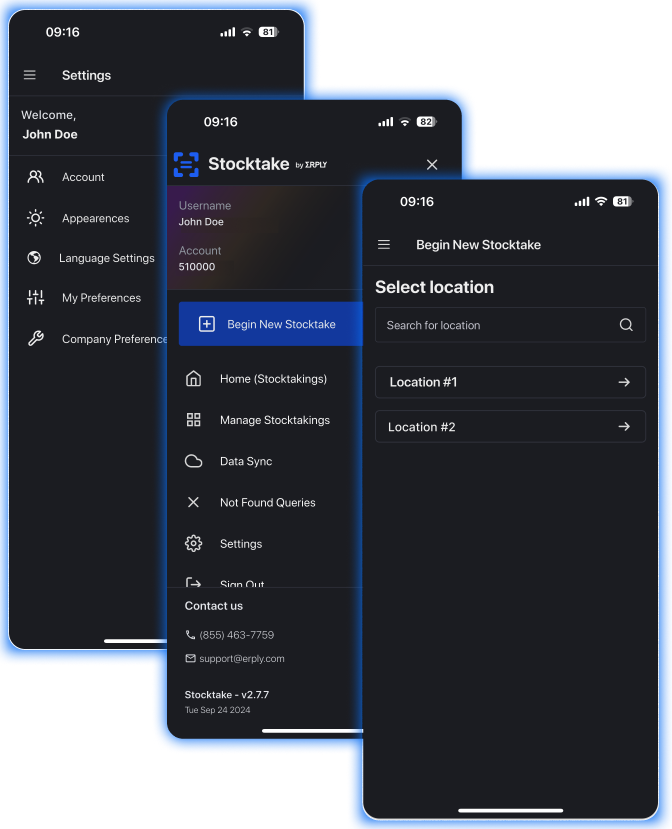
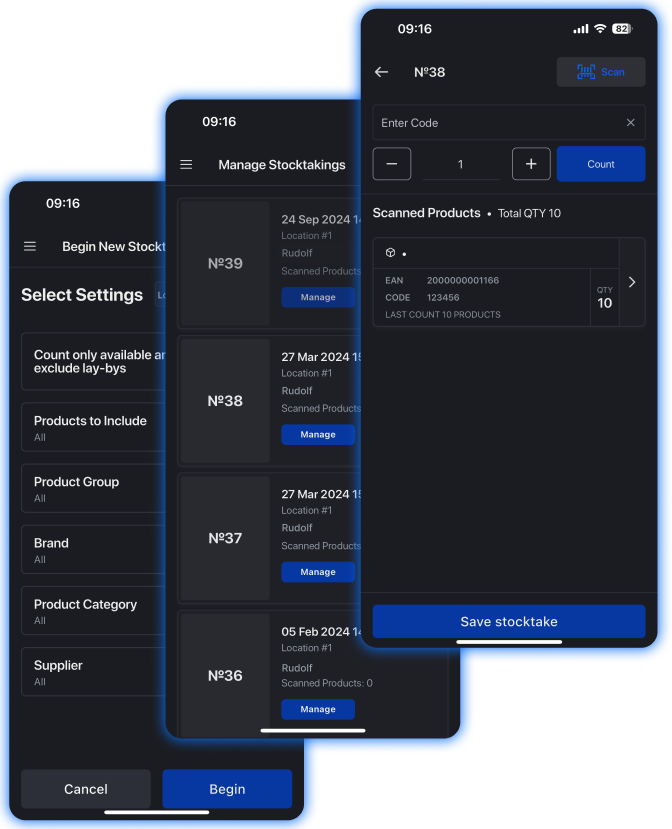
Scan a product barcode or search from your existing product database. Erply technology will add it automatically to your stocktake. Pause, reopen, or complete stocktake operations by employee and update item quantities anytime.
Overstocking
Avoid overstocking coffee and grant an appropriate level of inventory for your coffee wholesale business
Do you want to avoid confusion when doing your inventory? Before ordering goods, you always take stock: estimate sugar, coffee, tea packets, selling prices, and total stock value. The stocktake app helps make that process easier.
An appropriate level of inventory for your coffee shop chain
Download the stocktake app, synchronize your account with Erply, create a new physical stocktaking by location and product group, scan barcodes with a scanner or manual search, then share inventory between store locations.

Stocktake app
Why do you need a stocktake app for your fashion and apparel business?
In apparel, customer experience is the ruler. Customer expectations for product availability are at an all-time high. Traditional replenishment models show what sells, but there is often a disconnect between that visibility and the stocktaking process.
Stocktake App: The power of data sharing
Stocktake App is an advanced replenishment model where you can track and use product activity data. With offline counting and smart scan history, retailers can build a precise inventory mix, shorten lead times, and improve shipping workflows.

Speed up your stocktaking
Speed-up your stocktaking and replenishment process.
Streamline warehouse and stocktaking processes by using count products offline and synchronizing your data with different shop locations.
Check whether there has been a surplus or loss.
Edit an item's quantity after scanning it and it will be synced with your Erply account.
Prepare your balance sheet easily.
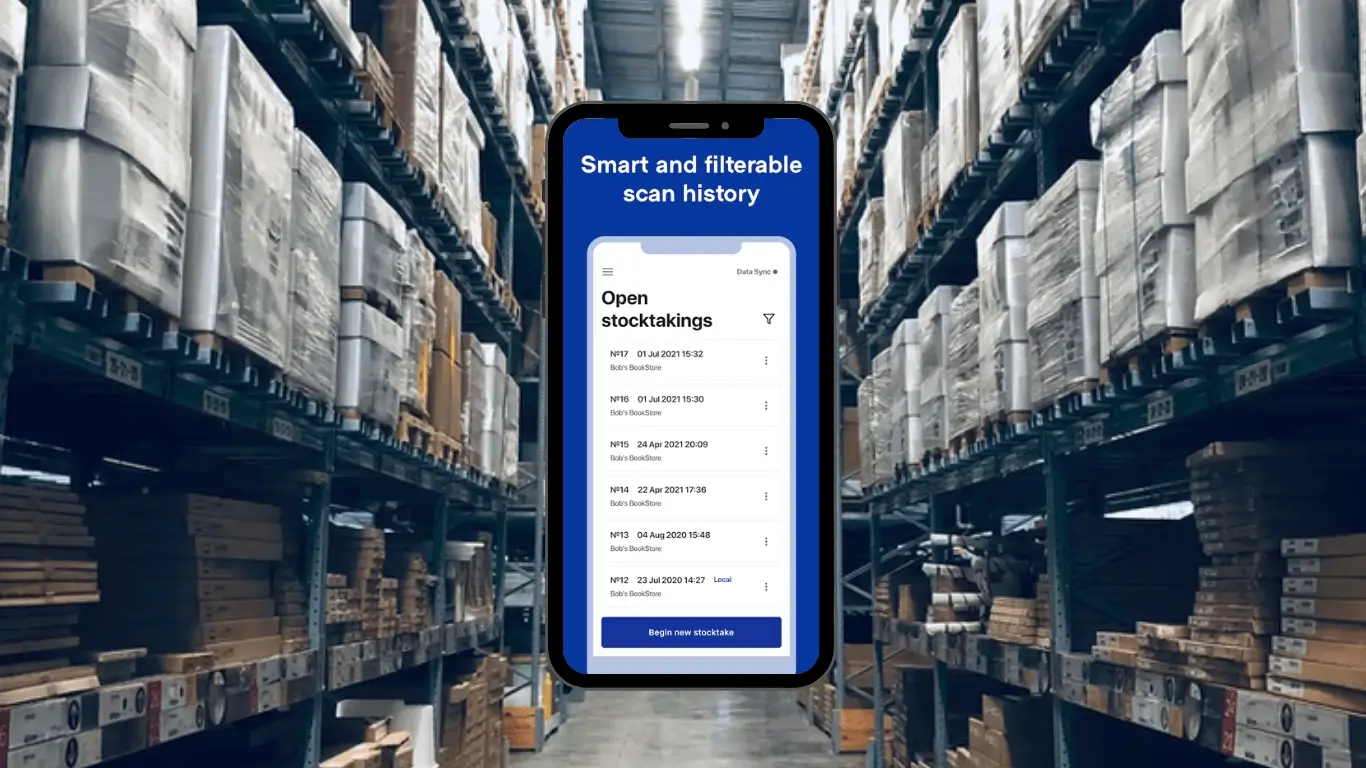
An intuitive scan history helps list all counted items and accumulates the totals.
Stocktaking in a few clicks
Conduct partial stocktakes if full shipments are unavailable, or quickly initiate inventory transfers between store locations.
Count products offline
All documents created from the stocktake app are saved locally, which allows offline app access.
Automatic processing
Compatible with any warehouse workflow: inventory counts are always up-to-date and multiple employees can tackle a single stocktake at once.
Smart scan history
A paperless solution where you can access different scan history operations and logs.
Low-stock notifications
Visual and audio cues improve scanning speed while low-stock notifications ensure your inventory levels never hit zero.